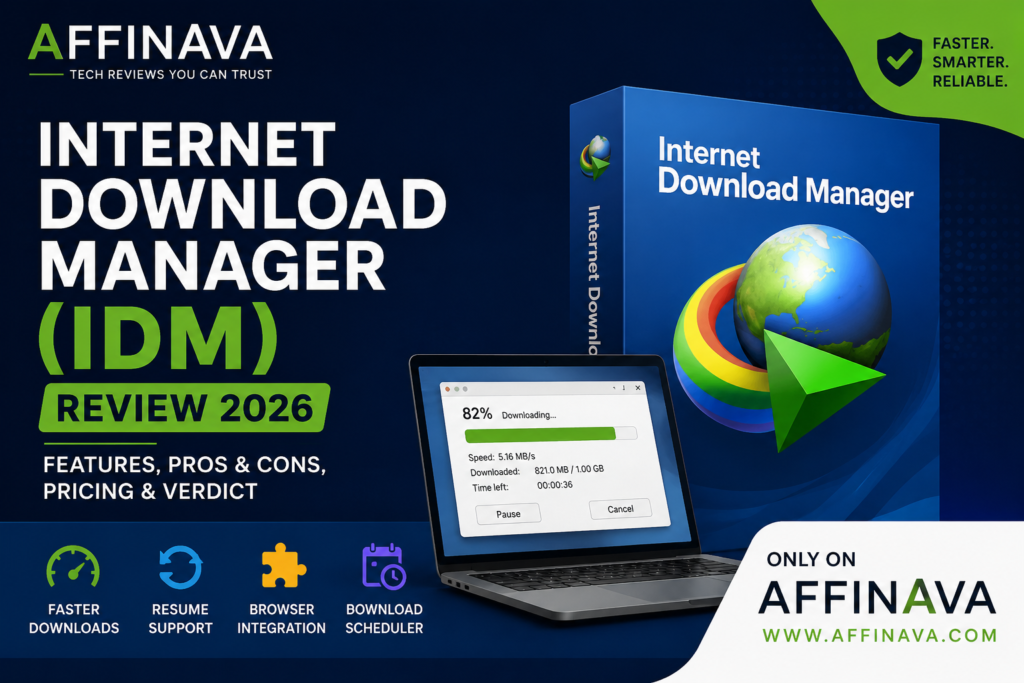
Introduction of IDM Review
We’ve all been there: You download a big file, only to lose your progress because of a power outage or spotty internet connection. This is where Internet Download Manager (IDM) comes in. For years, IDM has been one of the most popular download managers for Windows, with faster downloads, resume support, and seamless browser integration. But is IDM still worth buying in 2026 when modern browsers already have download features built in?
In this IDM review, I will go deeper into its features, strengths, weaknesses, pricing, and if it is the right choice for your downloading needs.
IDM Review
What Is IDM?
Internet Download Manager is shareware download manager software for Windows. It helps users download files faster, efficiently download real files, and resume interrupted downloads without starting from the beginning.
IDM is not a generic browser download tool but rather gives users more control over downloads and makes downloads faster using advanced file segmentation technology.
This IDM review was prepared by the Affinava team. If you to know more information about IDM, please visit their website Internet Download Manager
Key Features of IDM Review
Faster Download Speed
IDM uses multiple connections to download different parts of a file simultaneously. While the exact speed improvement depends on your internet connection and the download server, it can make large downloads more efficient in many situations.
Resume Interrupted Downloads
One of IDM’s biggest advantages is its ability to resume interrupted downloads. If your internet disconnects or your computer shuts down unexpectedly, you can usually continue downloading from where it stopped.
Browser Integration
IDM works with popular browsers like Google Chrome, Microsoft Edge, Firefox, and Opera. Once installed, it automatically detects downloadable files and makes the process much easier.
Download Scheduler
You can schedule downloads to start at a specific time, which is useful for downloading large files overnight or during off-peak hours.
File Organization
Downloaded files can be automatically sorted into categories such as Videos, Documents, Music, Software, and Compressed Files.
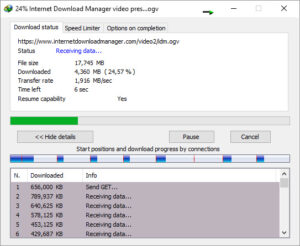
My Experience
From my experience, IDM is the most useful software when downloading large files such as software, video courses, games, or ISO files. The resume feature can save a lot of time if your connection is unstable, and browser integration makes downloading simple.
However, if you only download small files occasionally, your browser’s built-in download manager may already be enough.
Who Should Use IDM?
IDM is an excellent choice for:
- Students downloading online courses
- Bloggers and digital marketers
- Gamers downloading large game files
- Video editors and content creators
- Professionals who regularly download large documents
Who Should Avoid IDM?
IDM may not be the best option if:
- You rarely download files.
- You only need basic browser downloads.
- You prefer completely free software.
Limitations
Although IDM is an excellent download manager, it isn’t perfect.
- Only available for Windows.
- No permanent free version.
- Some websites may limit download integration.
- Requires a paid license after the trial period.
Pros and Cons
Pros
- Fast download technology
- Resume interrupted downloads
- Excellent browser integration
- Easy-to-use interface
- Download scheduling
- Automatic file organization
Cons
- Paid software
- Windows only
- A free trial has limited duration
Canva AI Review 2026 is for your concern.
Internet Download Manager vs Browser Download
Modern browsers have improved significantly over the years. For small downloads, they work perfectly well.
However, if you regularly download large files, need resume support, or want better download management, IDM still offers a more reliable and convenient experience.
IDM Review Pricing
IDM offers a free trial so users can test the software before purchasing. After the trial, you’ll need to buy a license to continue using all features. Pricing may change over time, so it’s always best to check the official website for the latest information.

Is Internet Download Manager Worth Buying?
In my opinion, yes—but only for the right users. If you frequently download large files and want a faster, more reliable downloading experience, IDM remains one of the best premium download managers available for Windows.
On the other hand, if you only download files occasionally, your browser may already provide everything you need.
Final Verdict IDM Review
Internet Download Manager is still one of the most reliable download managers despite the growing competition from modern browsers. It’s a useful tool for users who download files often, with resume ability, browser integration, download scheduling, and file management features.
It’s not free, but the convenience and reliability may be worth the cost to many users.
If you are interested more Software Deals, AI tools, and WP Themes, please visit throught the link and explores Affinava.com