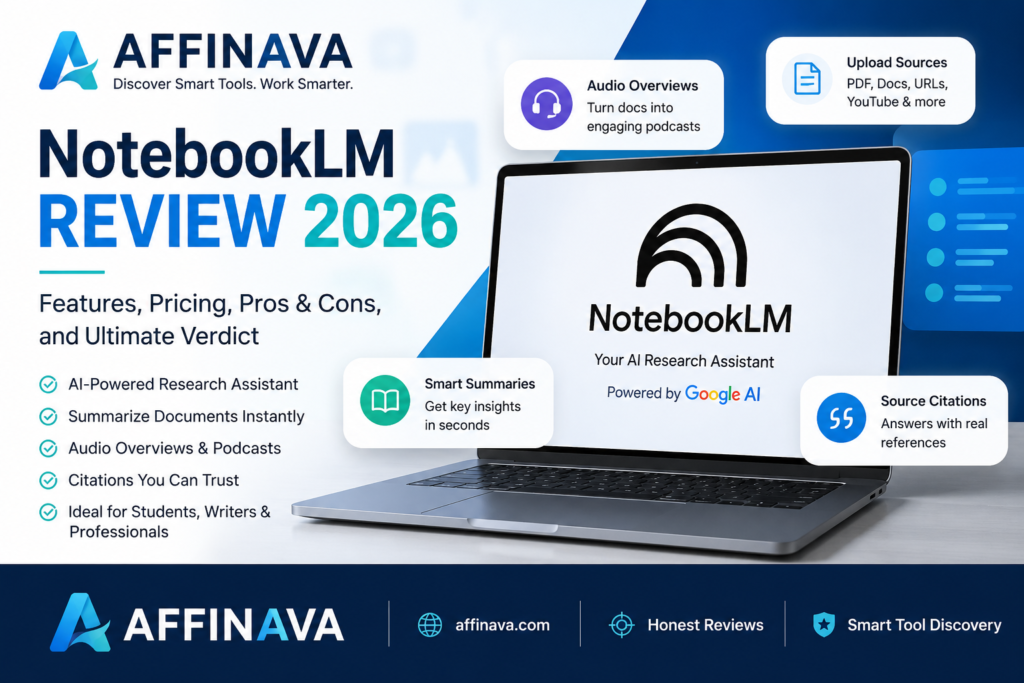
Introduction of NotebookLM Review
After exploring NotebookLM and comparing it with other powerful AI tools, I found its generating system quality particularly impressive for researchers and note-taking assistants. NotebookLM is a highly acclaimed, Google-based AI and research assistant. And that uniquely restricts its answers to your uploaded sources, making it incredibly risky to hallucinate. It excels at instant document summarization, generating cited answers, and creating audio podcasts from your text. NotebookLM was co-created and originally conceptualized by popular science author Steven Johnson, who serves as the tool’s editorial director. He developed the platform at Google Labs alongside a core team that included Product Lead Raiza Martin and Design Lead Jason Spielman.
I prepared the NotebookLM review after exploring NotebookLM. Besides the NotebookLM review, for more information, please visit the NotebookLM website.
What is NotebookLM?
NotebookLM is Google’s AI research tool, designed to analyze large collections of information and able to handle various formats, including PDFs, URLs, and even YouTube videos. It uses Google’s AI model, Gemini. Compared to other research tools, NotebookLM has a generous free tier: you get 100 notebooks, each with up to 50 sources (up to 500K words each), and daily limits of 50 chat queries and 3 audio generations. The paid tier allows up to 300 sources per notebook.
Key Features of NotebookLM
NotebookLM is Google’s AI-powered research assistant that grounds responses solely in your uploaded sources. Its core features include source-cited, automatic study aids and audio overviews that turn documents into lifelike podcast discussions.
1. Source Grounding
NotebookLM restricts its knowledge base to the specific files you provide, unlike general chatbots. When you ask questions, it generates detailed answers with inline citations, clicking on which will take you directly to the exact paragraph in your original source document.
2. Multi-Modal Source Integration
You can build a dedicated notebook for any topic by feeding it multiple formats. It supports:
- Documents & Text: PDFs, Google Docs, Slides, DOCX, and TXT files.
- Web & Audio: YouTube video links, website URLs, and even raw audio/video files (MP3, MP4).
3. Multimedia & Content Generation (Studio Panel)
NotebookLM can instantly transform your raw notes and documents into fully realized assets, including
-
Audio Overviews (Podcasts): Automatically generates highly engaging, multi-host audio discussions explaining your reading material.
-
Video Overviews: Creates AI-narrated video summaries and presentations from your texts.
-
Mind Maps: Visualizes connections and concepts across your sources.
-
Automated Reports: Instantly generates briefing docs, study guides, or custom blog posts based on the data provided.
4. Active Learning & Study Tools
For students and researchers, NotebookLM offers built-in features to master material:
-
Flashcards: Auto-creates flashcards to help memorize key definitions.
-
Quizzes: Customizes quizzes on specific topics with detailed explanations for incorrect answers.
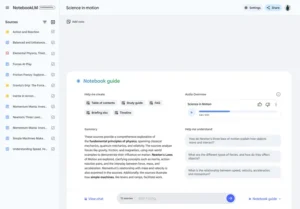
Imagine you have a 100-page PDF research paper. Instead of reading every page, you can upload it to NotebookLM and ask questions like “What are the main findings?” or “Create a study guide from this document.” Within seconds, NotebookLM provides answers based only on your uploaded source, making research much faster and more reliable.
Pricing
Understanding the differences between the Free Plan and NotebookLM Plus (Paid Plan) are below:
Feature |
Free Plan |
NotebookLM Plus |
| Monthly Notebook Limit | 100 notebooks | 500 notebooks |
| Sources per Notebook | Up to 50 sources per notebook | Up to 300 sources per notebook |
| Daily Conversation Queries | 50 queries | 500 queries |
| Daily Audio Overviews | 3 times | 20 times |
| Source Character Limit | Up to 500,000 characters per source | Up to 500,000 characters per source |
| Notebook Sharing | Yes (with sharing limitations) | Yes (for “conversation only”). |
| Analytics | Not available | Available |
In the above table, it’s clear that the Free Plan is more than enough for students writing reports or office workers managing a small number of documents. However, if you’re a researcher dealing with large volumes of academic papers, a commentator reviewing multiple market reports, or a heavy knowledge worker, then the Paid Plan’s higher limits become a necessary investment.
Pros
✅ Google’s AI technology
✅ Reliable answers from your own documents
✅ Support for PDF and Google Docs
✅ Audio Overview
✅ Creation of study guides and quizzes
✅ Easy to use
Cons
❌ Does not answer questions on all topics like standard ChatGPT; relies on your sources.
❌ Not an internet search tool.
❌ Some advanced features may vary by region or account.
My Experience
While testing NotebookLM with a blog article and a PDF, I found it surprisingly effective at summarizing information and answering questions with clear citations. The Audio Overview feature was particularly impressive because it turned written content into a natural conversation. For research and studying, NotebookLM feels more focused than a general AI chatbot. A powerful way to organize and synthesize information, with top AI capabilities and Google Workspace integration. Whether you’re a student, researcher, or professional, NotebookLM provides you with the tools to increase your productivity and streamline your workflow.
NotebookLM vs Perplexity AI
| Feature | Google NotebookLM | Perplexity AI |
| Primary Data Source | Strictly user-uploaded files (PDFs, Docs, YouTube links, audio). | The live, open internet (with optional file uploads). |
| Web Access | No live web search. | Real-time web crawling. |
| Citations | Points to exact sentences/paragraphs in your uploads. | Points to clickable URL links across the web. |
| Hallucination Risk | Extremely low (bounded entirely by your data). | Moderate (can pull flawed data from live web pages). |
| Standout Feature | Audio Overviews (creates natural podcast-style discussions). | Perplexity Labs / Pages (creates live apps, dashboards, reports). |
| Starting Price (2026) | Free (Paid tiers bundle into Google AI Pro/Ultra). | Free (Pro plan sits at $20/month for advanced models). |
This is a review about the NotebookLM review; this is because the above information can be changed for owner interest.
Who Should Use NotebookLM?
As I made the NotebookLM review. So, I prepare the following:
- 🎓 Students and Academics
- 👨🏫 Corporate Teams
- 📖 Research Professionals
- ✍️ Freelancers and Writers
- 💼 Business Professionals
- 📊 Analysts
FAQs of NotebookLM Review
- Is NotebookLM free to use?
Yes, it is currently free with any Google Account.
- What file types can I upload?
You can upload PDFs, Google Docs, Slides, web URLs, YouTube videos, audio files, and pasted text. Each notebook supports up to 50 sources, and each source can be up to 500,000 words.
- Can it search the web for new info?
No. Unlike standard Gemini or Google Search, NotebookLM restricts its responses exclusively to the documents and sources you provide.
- Will it cite its sources?
Yes, every answer generated in the chat highlights and cites the exact sentence or paragraph in your uploaded documents.
- Does it create audio overviews?
Yes, NotebookLM can transform your uploaded materials into engaging, podcast-style audio discussions.
- Is there a mobile app?
Yes, the NotebookLM mobile app is supported in over 180 regions where the Gemini app operates.
Final Verdict of NotebookLM Review
If you are drowning in a sea of documents, NotebookLM is a must-have power tool. It doesn’t replace general chatbots like Gemini or Claude for creative output, but as a dedicated, hyper-focused reading companion, it’s totally in a league of its own.
When you’re ready to build your first project, I can help you set up an automated Google Drive sync folder or help you create a custom instruction prompt to change your AI podcast hosts.
How We Rated It:
- Accuracy and Reliability: 4.6/5
- Ease of Use: 4.5/5
- Functionality and Features: 4.7/5
- Performance and Speed: 4.4/5
- Customization and Flexibility: 4.3/5
- Data Privacy and Security: 4.5/5
- Support and Resources: 4.2/5
- Cost-Efficiency: 4.1/5
- Integration Capabilities: 4.0/5
- Overall Score: 4.4/5
Besides the NotebookLM review, you might need another AI like Canva AI, Poppy AI, or Claude AI. Please visit AI Tools and Software Deals on my website, affinava.com.